
The page you were trying to view is not available for your role.


Download your Quilter app today
Go paperless, view performance, and instruct changes with ease. Install your easy-to-use, secure Quilter app now.
Or why not take a tour of the app in our short video? You can see all the key features before you get started.
Simply select one of the three options to start using your app today:
Download the app, choose ‘register’, then follow the prompts to enter your two unique Unlock Codes. For extra security, we’ll also ask you to enter your National Insurance OR Quilter account number.
Our app will then guide you through setting up your account. You’re ready to go!
Download the app, choose ‘register’, then follow the instructions to verify your identity. You’ll need to scan your passport or driving licence and take a selfie.
Our app will then guide you through setting up your account. You’re ready to go!
Download the app, choose ‘log in’, then simply enter your username and password from the online Customer Centre. You’re ready to go!
An enhanced investment experience, designed for you
We've listened to customers like you who have asked for a way to track their investments that's as easy as online banking. That's why we've delivered the Quilter app. Download the app to:
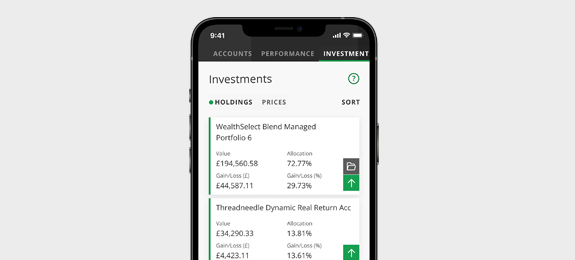
Have easy and instant access
All of your Quilter platform investments and CashHub savings account instantly available at your fingertips.
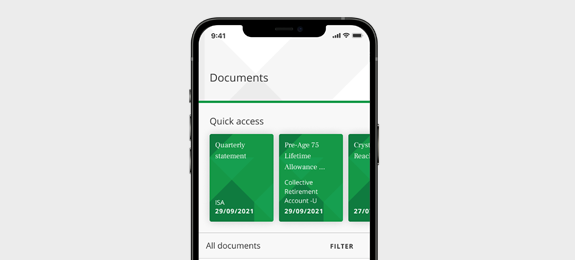
Never lose an important document
All your documents have been loaded into your personal online document library.
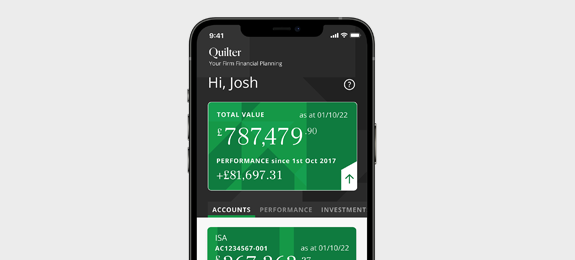
Feel secure about your information
We’ve built in phone biometrics, automatic log out, and end-to end encryption to give you peace of mind.
Don't have a smartphone?
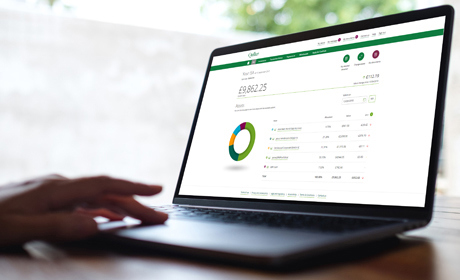
If you don't have a smartphone you can still activate and access your online account via our award winning online platform - the online Customer Centre.
Helpful information
Yes, your login and data are exactly the same for both the app and the online Customer Centre. When you change details on one (including your password) it will be reflected on the other.
Choose from one of the three options:
1. I want to register and have received a letter with two Unlock Codes:
Download the app, choose ‘register’, then follow the prompts to enter your two unique Unlock Codes. For extra security, we’ll also ask you to enter your National Insurance OR Quilter account number.
Our app will then guide you through setting up your account.
2. I want to register and have NOT received a letter with two Unlock Codes:
Download the app, choose ‘register’, then follow the instructions to verify your identity. You’ll need to scan your passport our driving licence and take a selfie. Our app will then guide you through setting up your account.
3. I’m already using Quilter’s online Customer Centre:
Download the app, choose ‘log in’, then simply enter your username and password from the online Customer Centre.
To reset your password, select the “forgotten password” link on the login section of the app, where you will be guided through the process. For security, verification codes will be sent to your email address and registered telephone number held on your account.
We can send you an email containing your username. To do this, select “forgotten username” on the login section of the app, enter your email address and an email will be sent detailing your username. Please note you cannot change your username.
To change your telephone number, log into the app, go to the menu, select ‘Your details and security’, then edit under ‘Telephone numbers’.